PelviQuest app
What the PelviQuest app does
PelviQuest is a free endometriosis and pelvic pain app with a clinical questionnaire, daily symptom, period and medication trackers, insights, reports for your doctor, a doctor code to connect with your clinic, and appointment booking and video visits. It runs on iOS, Android and any web browser at app.pelviquest.com, with one account across all three. Free to download and use.


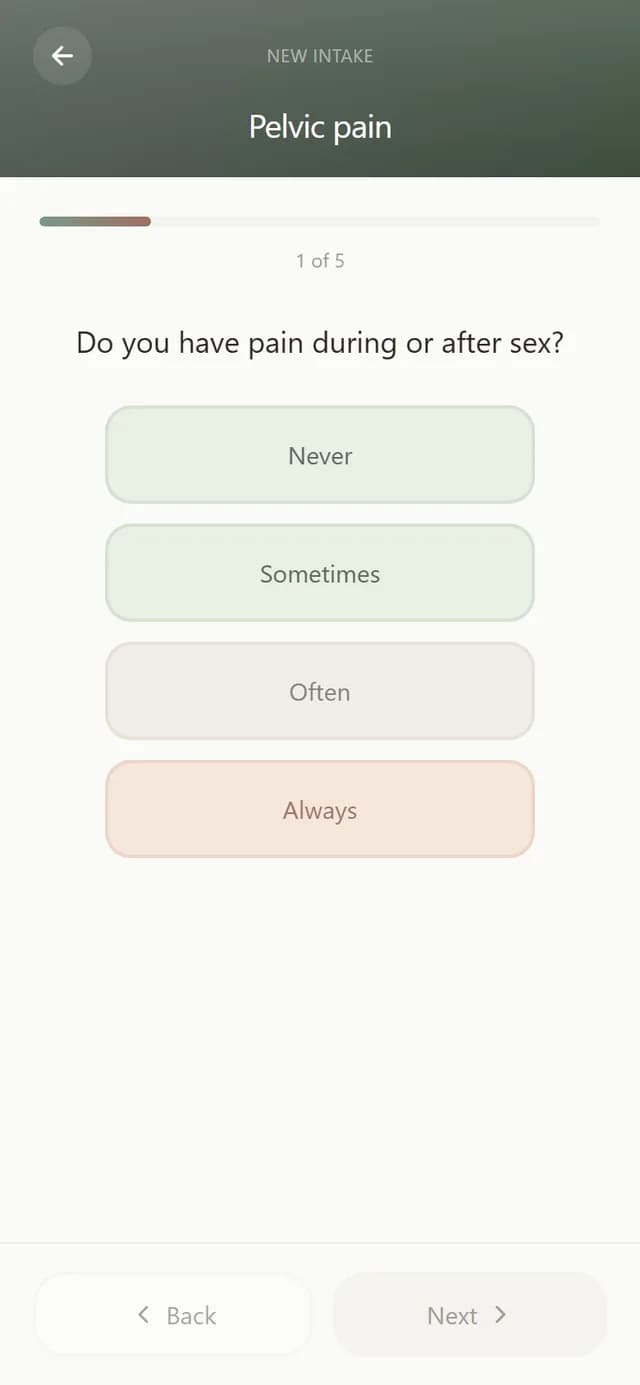
Clinical endometriosis questionnaire
PelviQuest includes a standardized endometriosis questionnaire that covers period pain, pelvic pain, bowel and bladder symptoms, pain with sex, fertility and history, and scores the answers for your doctor.
- One question per screen, 5 to 10 minutes, with Back to change any answer before you submit.
- The result is a screening score your physician can read in context, not a diagnosis.
- Your doctor can send follow-up questionnaires before a visit, after a procedure, or when the last assessment is older than six months.
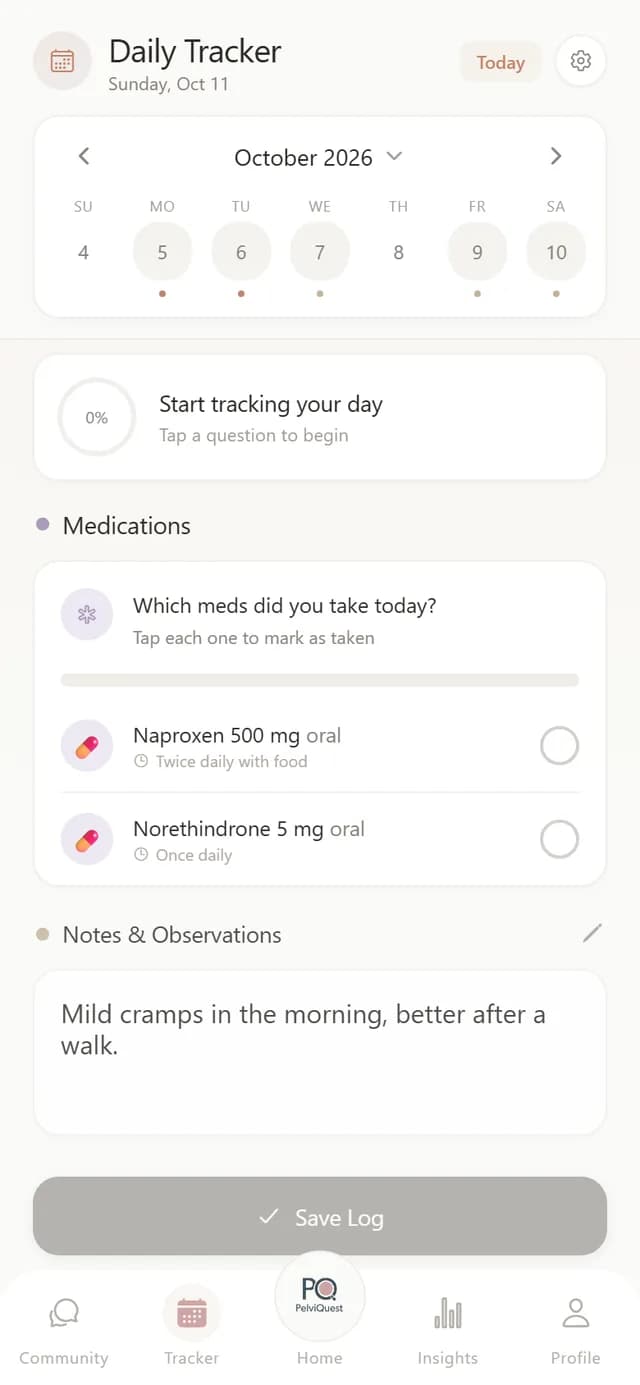
Daily symptom tracker
PelviQuest has a daily symptom tracker that records pain, bloating, fatigue, mood and notes on a calendar, with the medications you took that day.
- Rate symptoms in about two minutes a day.
- Pick an earlier date to fill in a day you missed.
- Logged days build a streak and feed the Insights charts.
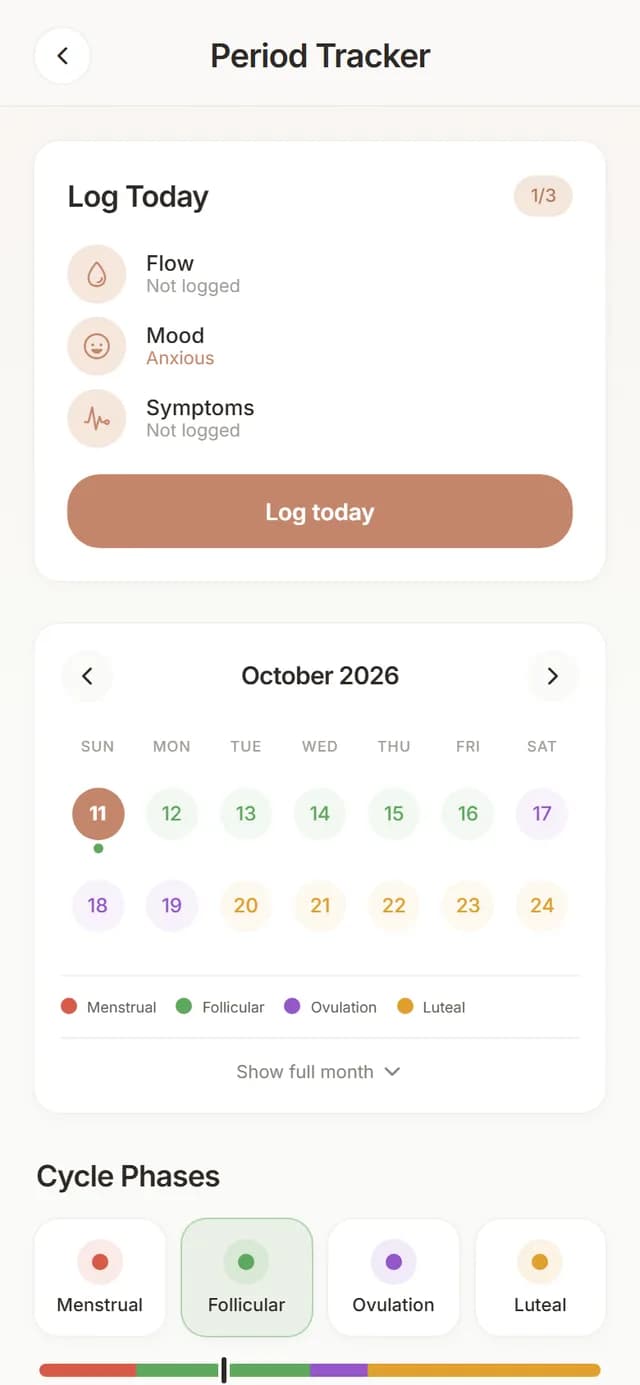
Period and cycle tracker
PelviQuest includes a period tracker that logs flow, spotting, mood and period symptoms, shows cycle phases on a calendar, and predicts your next period after a few logged cycles.
- Cycle day, average cycle length and average period length are calculated from your logs.
- Phases (menstrual, follicular, ovulation, luteal) are shown on the calendar.
- Period symptoms are kept separate from daily symptoms so patterns around menstruation stand out.
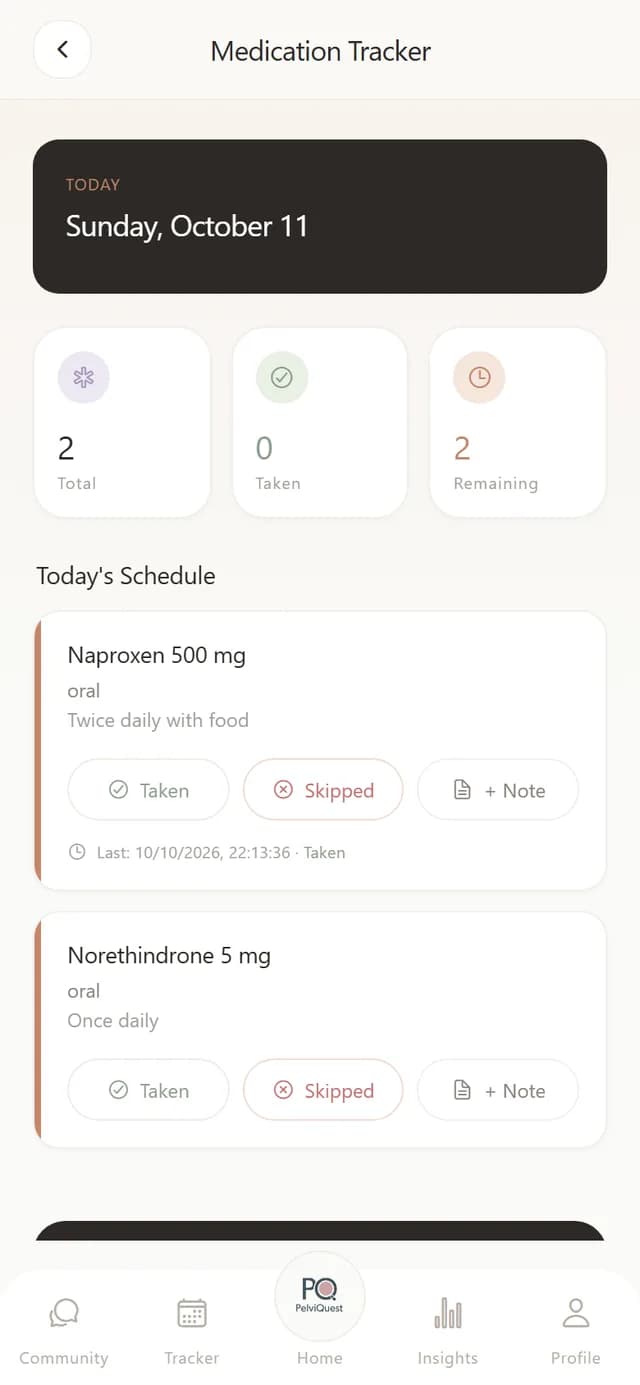
Medication tracker
PelviQuest has a medication tracker: prescriptions your doctor enters appear with dose and instructions, and each day you mark them taken or skipped, rate how well they worked, and note side effects.
- Medications added by a PelviQuest-network physician show up automatically with the doctor's note.
- Each dose can carry an effectiveness rating and a side-effect note that your doctor sees before the next visit.
- You can decline a medication in the app and give the reason.
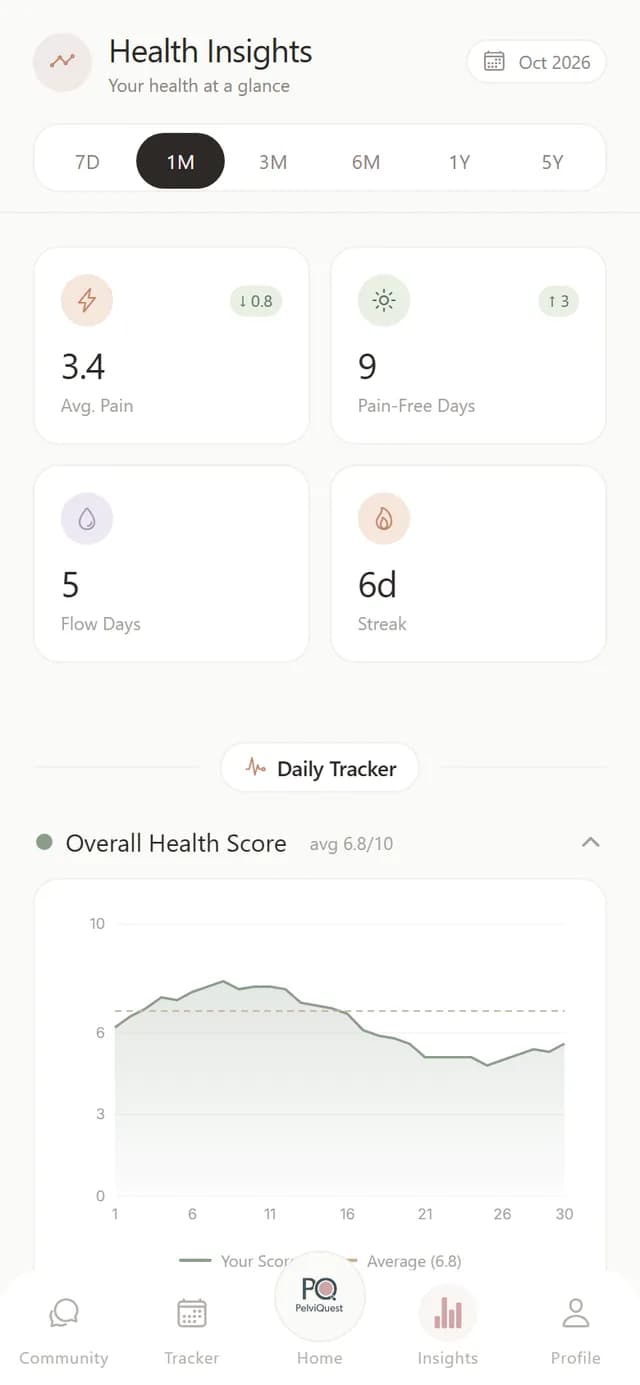
Insights and trends
PelviQuest turns your logs into insights: average pain, pain-free days, flow days, a health score over 7 days to 5 years, symptom radar charts and written takeaways.
- Ranges: 7 days, 1, 3 and 6 months, 1 year and 5 years.
- Takeaways point out what changed, so there is something concrete to discuss with your doctor.
- Cycle insights show cycle length history and the heaviest days.
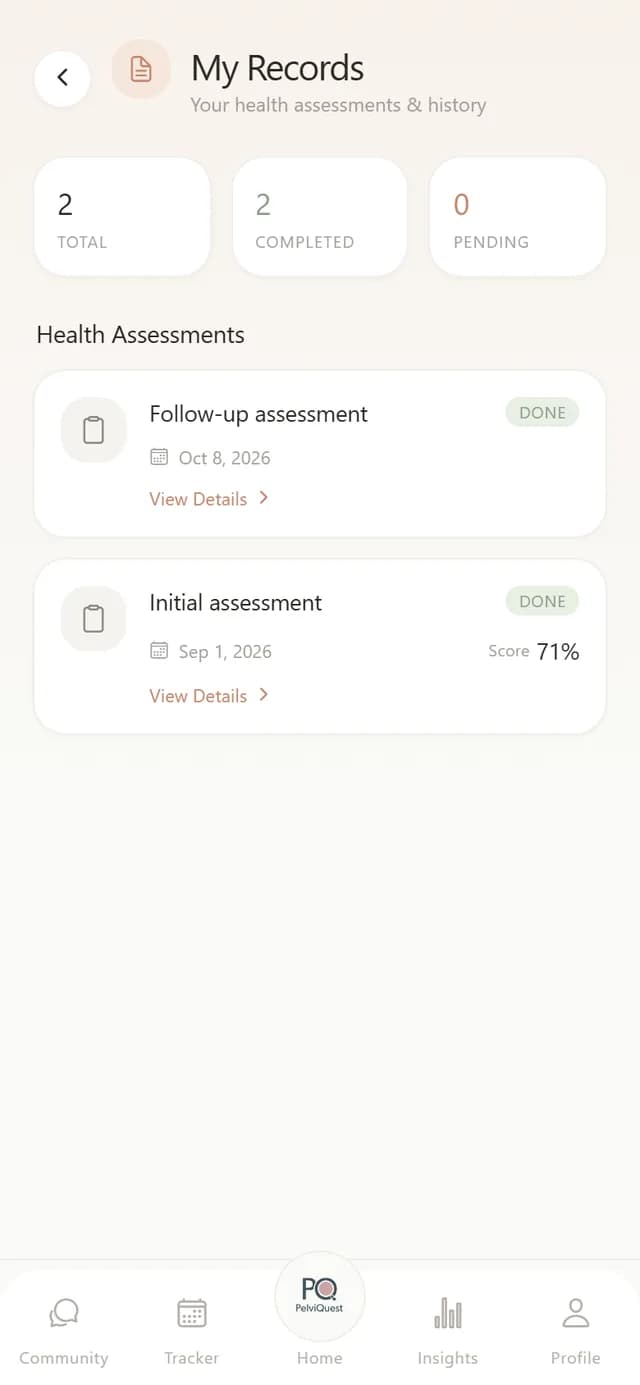
Reports for your doctor
Every completed PelviQuest assessment is stored in My Records with its date and score, and the full report can be viewed as a PDF in the app; it is the same report your PelviQuest-network doctor sees.
- Assessments are listed with date, status and score.
- The report is the same document your PelviQuest-network doctor sees.
- A one-time unlock applies to the downloadable PDF on the web; the in-app report stays free.
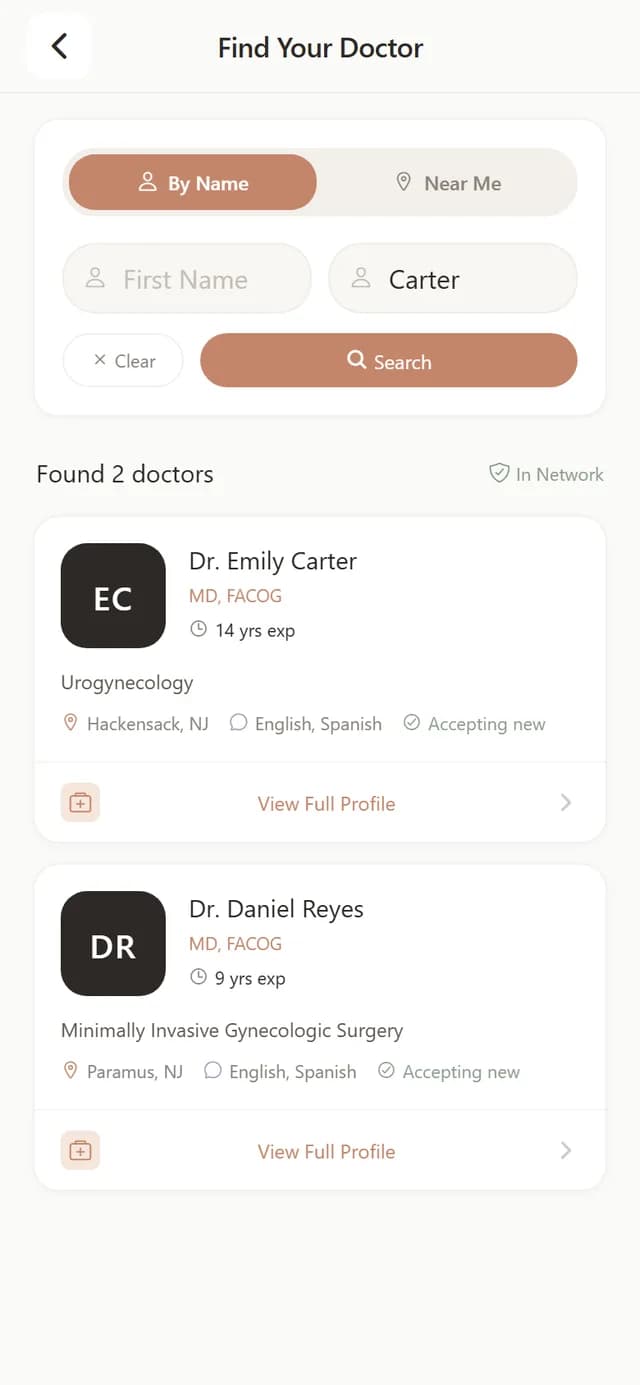
Doctor code and specialist network
PelviQuest connects your account to your doctor with a code from your clinic, or lets you search physicians in the PelviQuest network by name or ZIP code and choose one.
- Your doctor sees your questionnaire answers, tracker logs and medication notes before the visit.
- The My Doctor screen shows the practice profile with one-tap call, directions and website.
- Physicians appear in the network search after registering with their medical license.
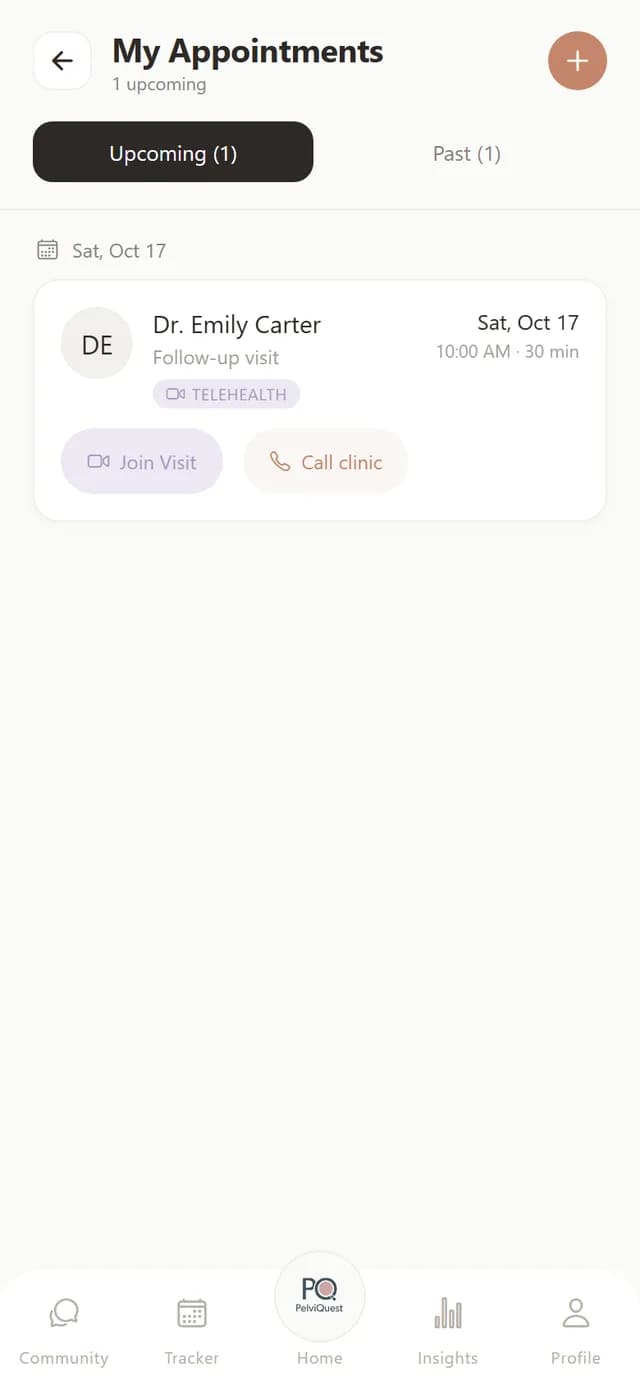
Appointment booking and video visits
PelviQuest lets you book in-person or video visits with your doctor, shows upcoming and past appointments, and opens video visits inside the app.
- Choose visit type, doctor and office, then a date and time from the clinic's real availability.
- A booking is a request until the clinic confirms it; you get an email and a notification.
- Join Visit starts the video visit in the app at the appointment time.
Notifications
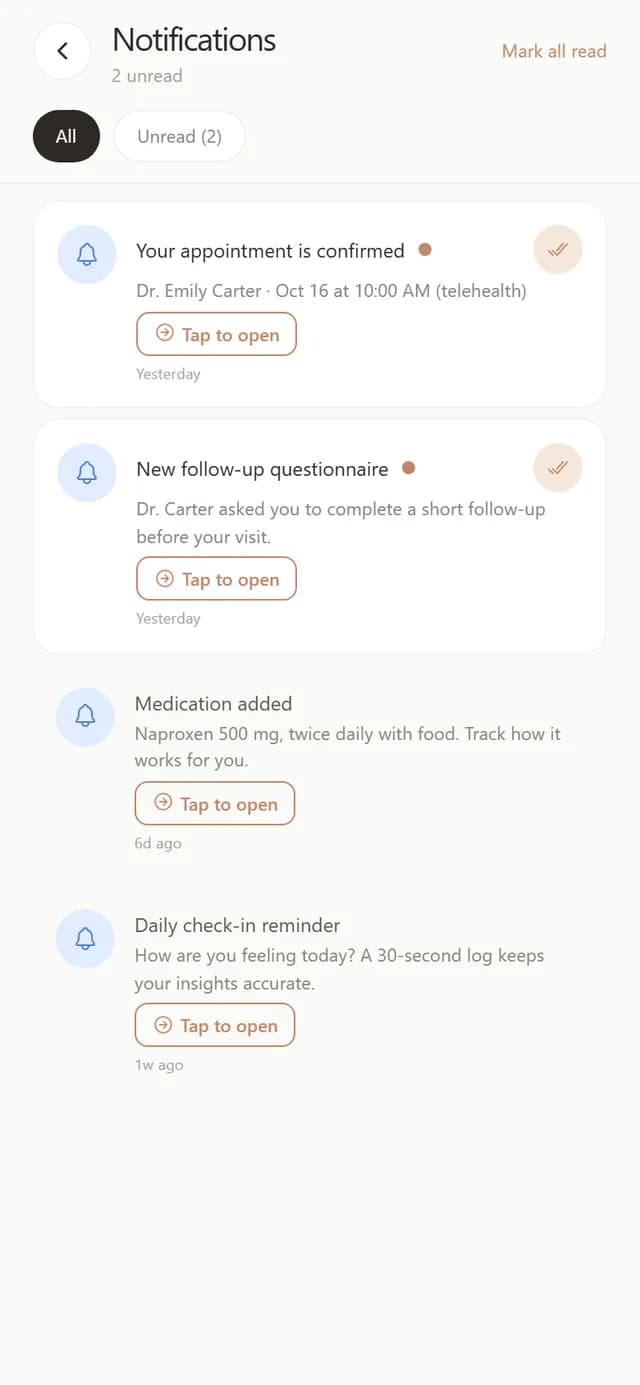
PelviQuest sends notifications for confirmed appointments, new follow-up questionnaires, medications your doctor adds, and daily check-in reminders, and you can switch them off in Profile.
- Notifications open the relevant screen with one tap.
- Push notifications are opt-in and can be turned off at any time.
In development
- Community: A moderated space to connect with other women is in development and is not live yet.
Common questions
- Does PelviQuest have a medication tracker?
- Yes. Medications your doctor enters appear with dose and instructions; each day you mark them taken or skipped, rate how well they worked and note side effects, and your doctor sees that before the next visit.
- Does PelviQuest track periods?
- Yes. The period tracker logs flow, spotting, mood and period symptoms, shows cycle phases on a calendar and predicts the next period after a few logged cycles.
- Does PelviQuest diagnose endometriosis?
- No. The questionnaire produces a screening score that helps you and your doctor decide on an evaluation. Endometriosis is confirmed by a clinician.
- Is PelviQuest free?
- Free to download and use.
- Which platforms is PelviQuest on?
- iOS, Android and any web browser at app.pelviquest.com, with one account across all three.
- Can I see a doctor through PelviQuest?
- If your doctor is in the PelviQuest network you can book telehealth or in-person visits and join video visits in the app. If not, you can still use every tracker and bring the report to any clinician.
See every step with screenshots
The getting-started guide walks through sign-up, the doctor code, the first assessment and each tracker, screen by screen.
Open the guidePelviQuest is a screening and tracking aid. It does not diagnose, treat or replace a clinician. Screens show sample data.